Gamepad
Sticks, triggers & gyro
Bring familiar console-style controls and precision gyroscope aiming to games built for touch.

Gamepad, keyboard & mouse mapping for Android
Map a gamepad, keyboard, or mouse to touch with precision gyro aim, scene-aware layouts, and advanced gestures—without modifying game files.
Axis works with Android-recognized HID gamepads over Bluetooth or USB, plus compatible keyboards and mice. Recognition can vary by device, connection, and system version.





Other standard HID gamepads, keyboards, and mice may also work when Android recognizes their inputs.
Input support
Axis maps Android-recognized gamepads, controller gyroscopes, keyboards, and mice to the touch controls already in your games. Choose the input source that fits the way you play.
Bring familiar console-style controls and precision gyroscope aiming to games built for touch.
Map WASD, arrow keys, and other keyboard inputs to the controls you need.
Use mouse movement, buttons, and wheel actions wherever your layout supports them.
Compatibility varies by Android device, connected hardware, game, and selected mapping.
Input mapping
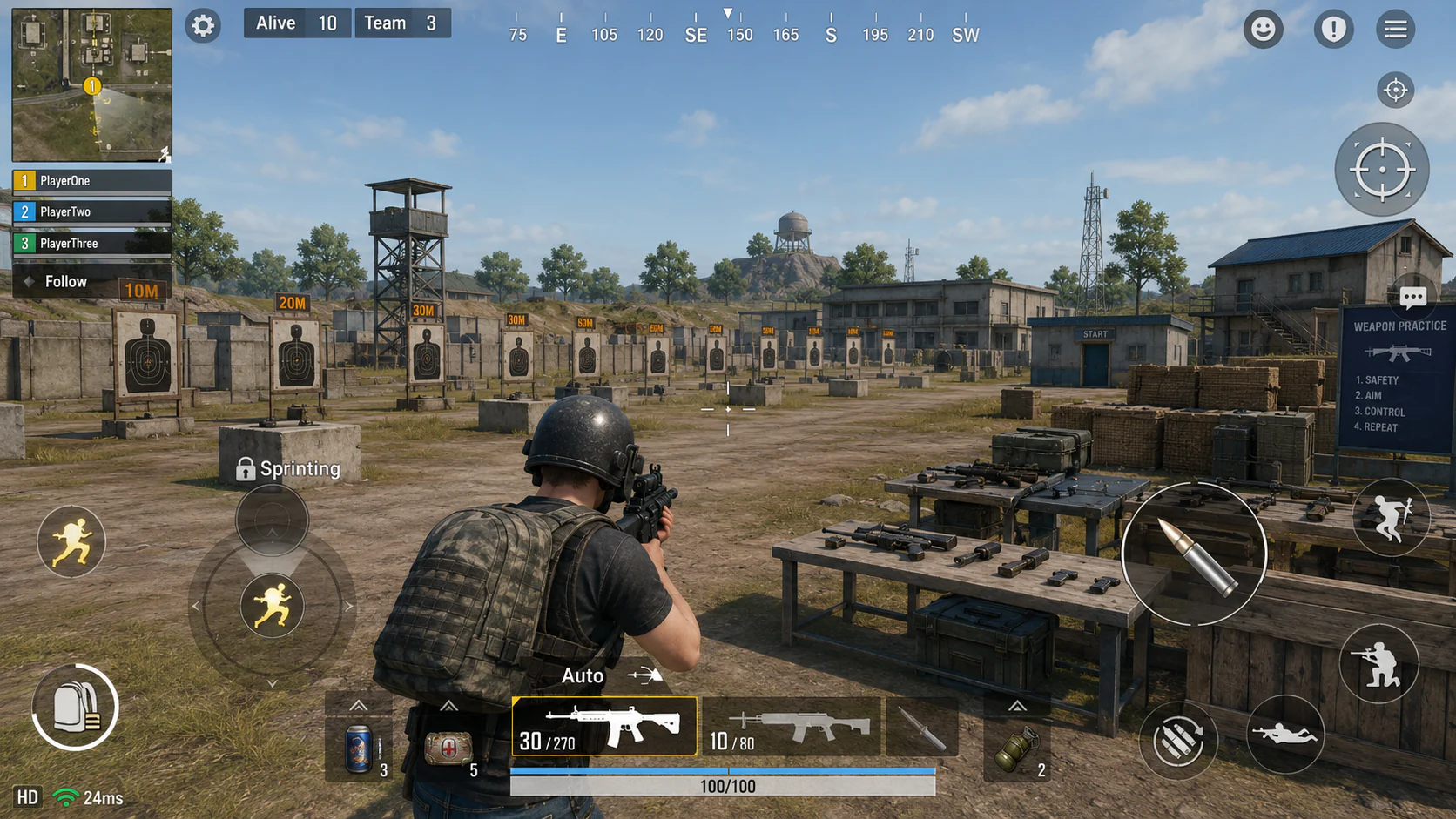
Original FPS artwork created for this demonstration. The mapping targets and input states above it are live website controls.
Gamepad Gyro to Touch Motion
Turn controller movement into a configurable touch gesture for aiming, steering, targeting, or camera control. One motion system, built to adapt across touch-first game styles.
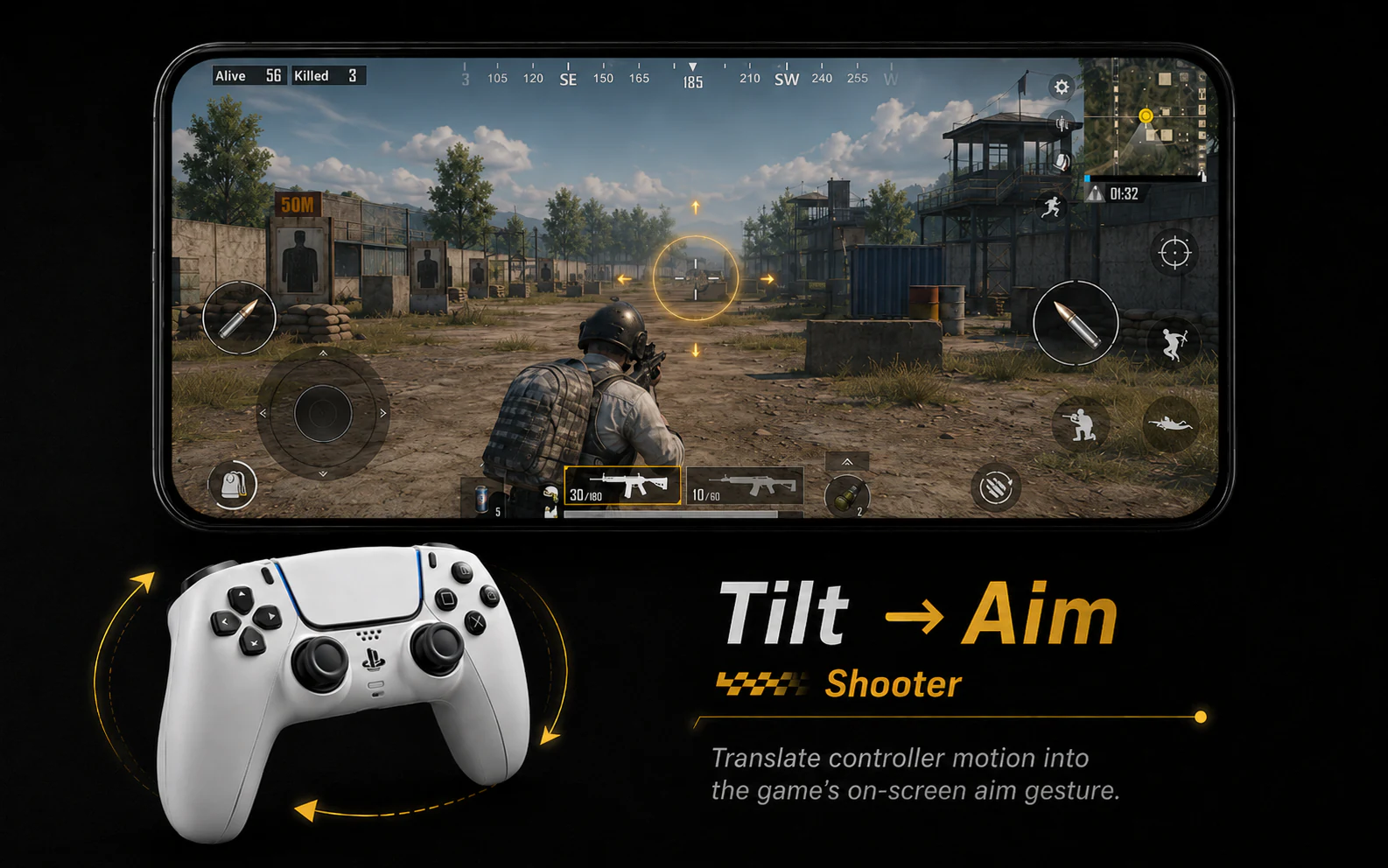
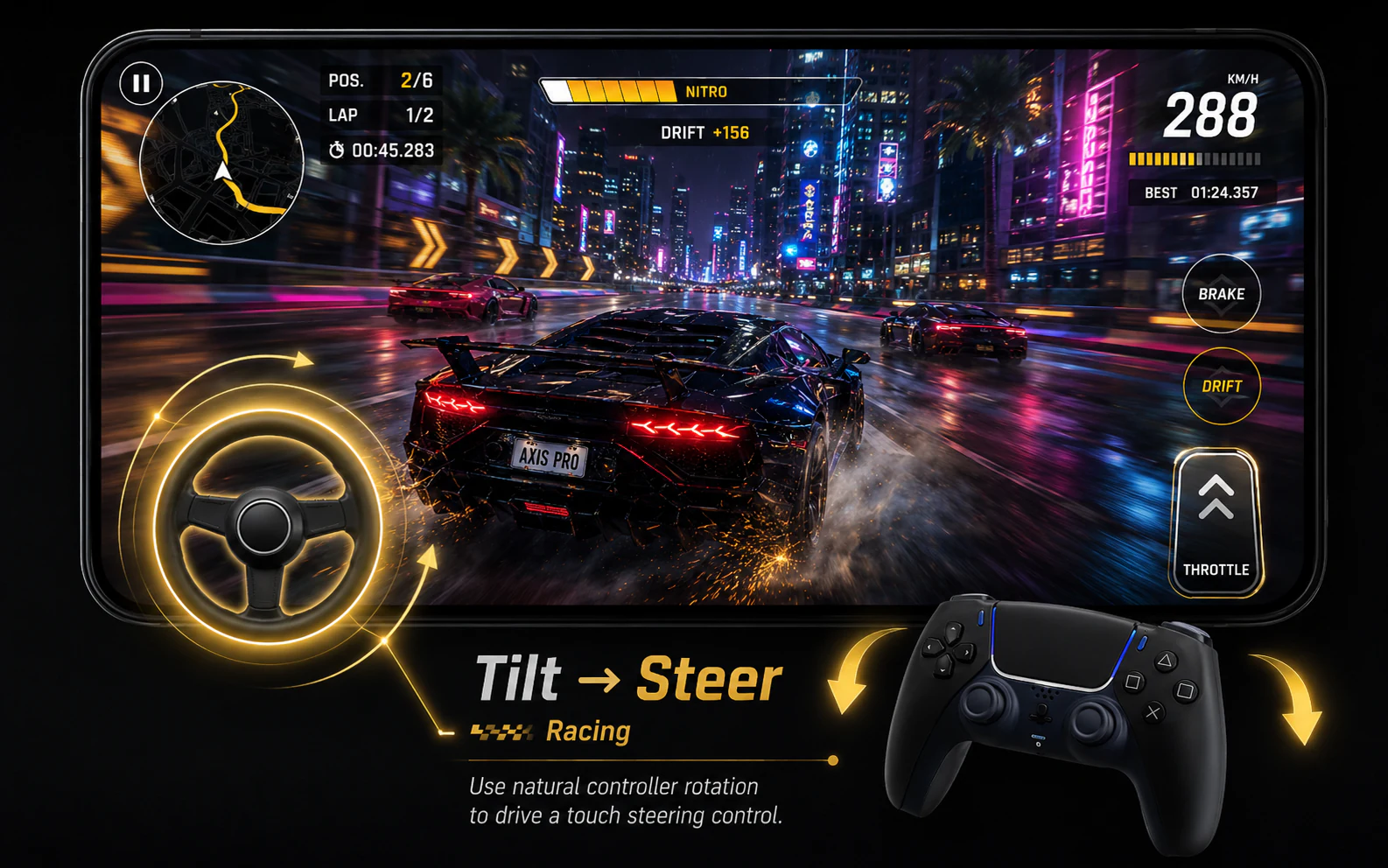
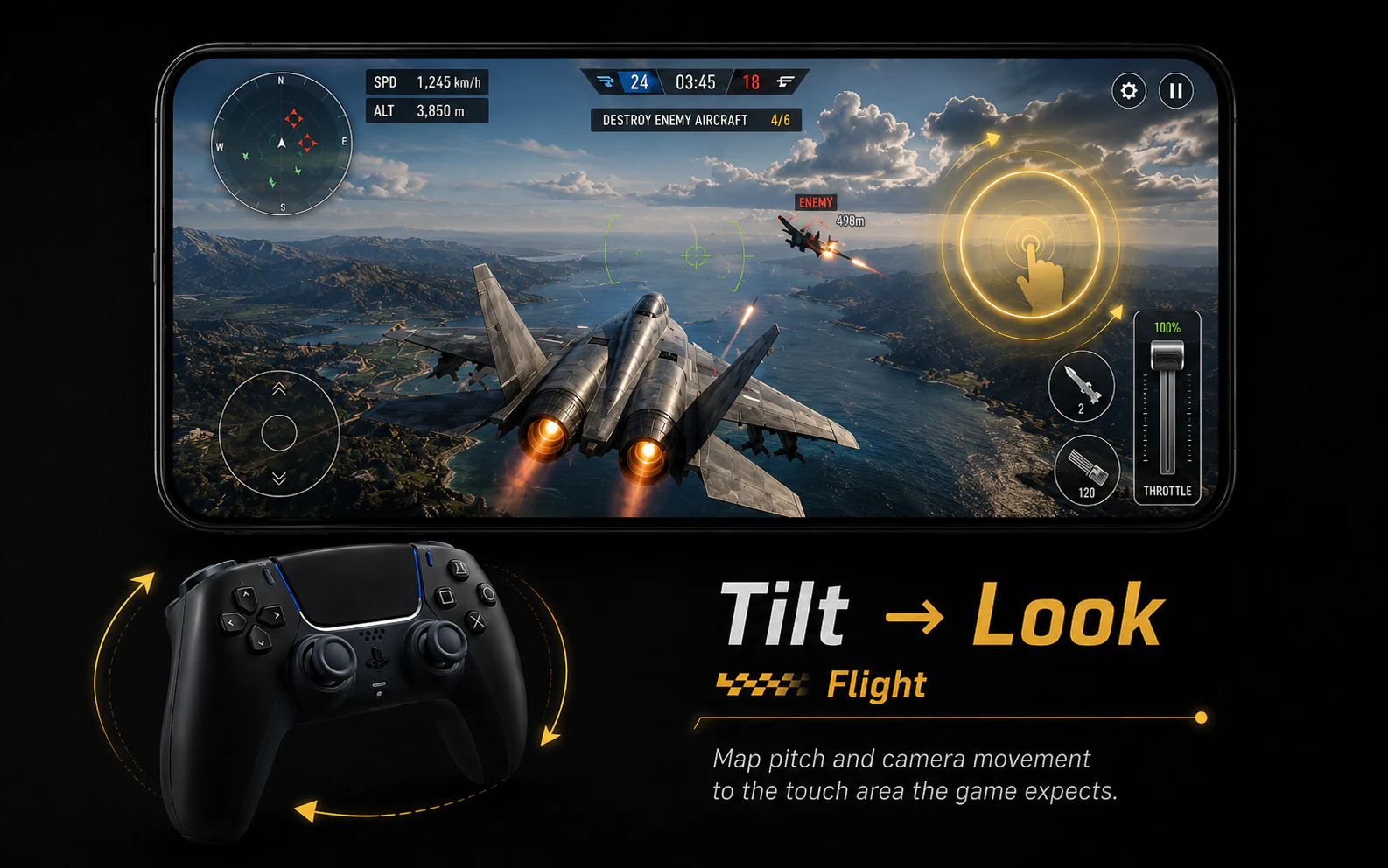

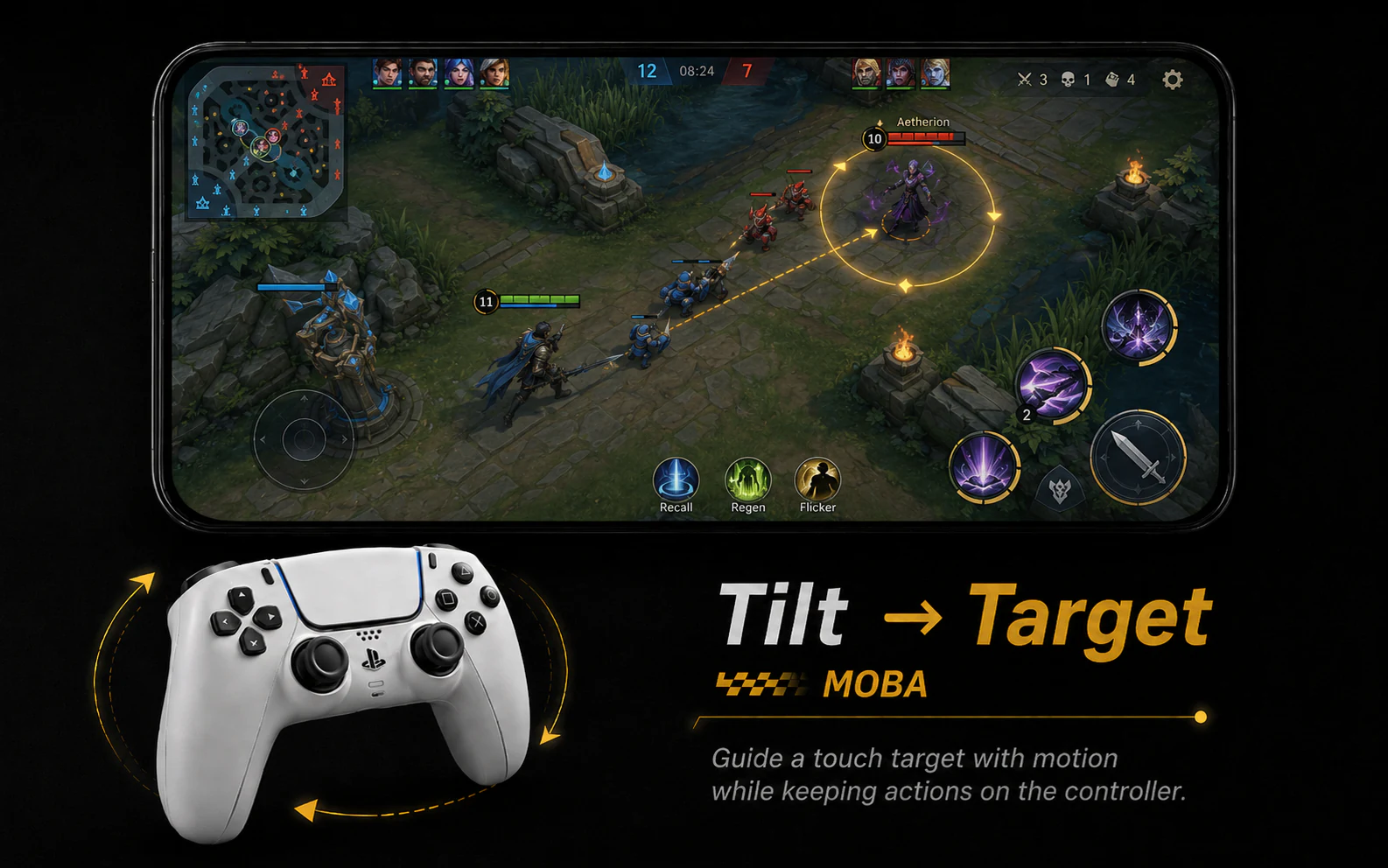

Touch behavior varies by game layout, Android device, and configured mapping.
Scene switching
Select a scene to reconfigure the active controls. Axis scenes can inherit a base layout, then change only what that situation needs.
Advanced control
Build actions that match how a touch game actually plays. Select a control type to inspect the corresponding tool inside Axis.
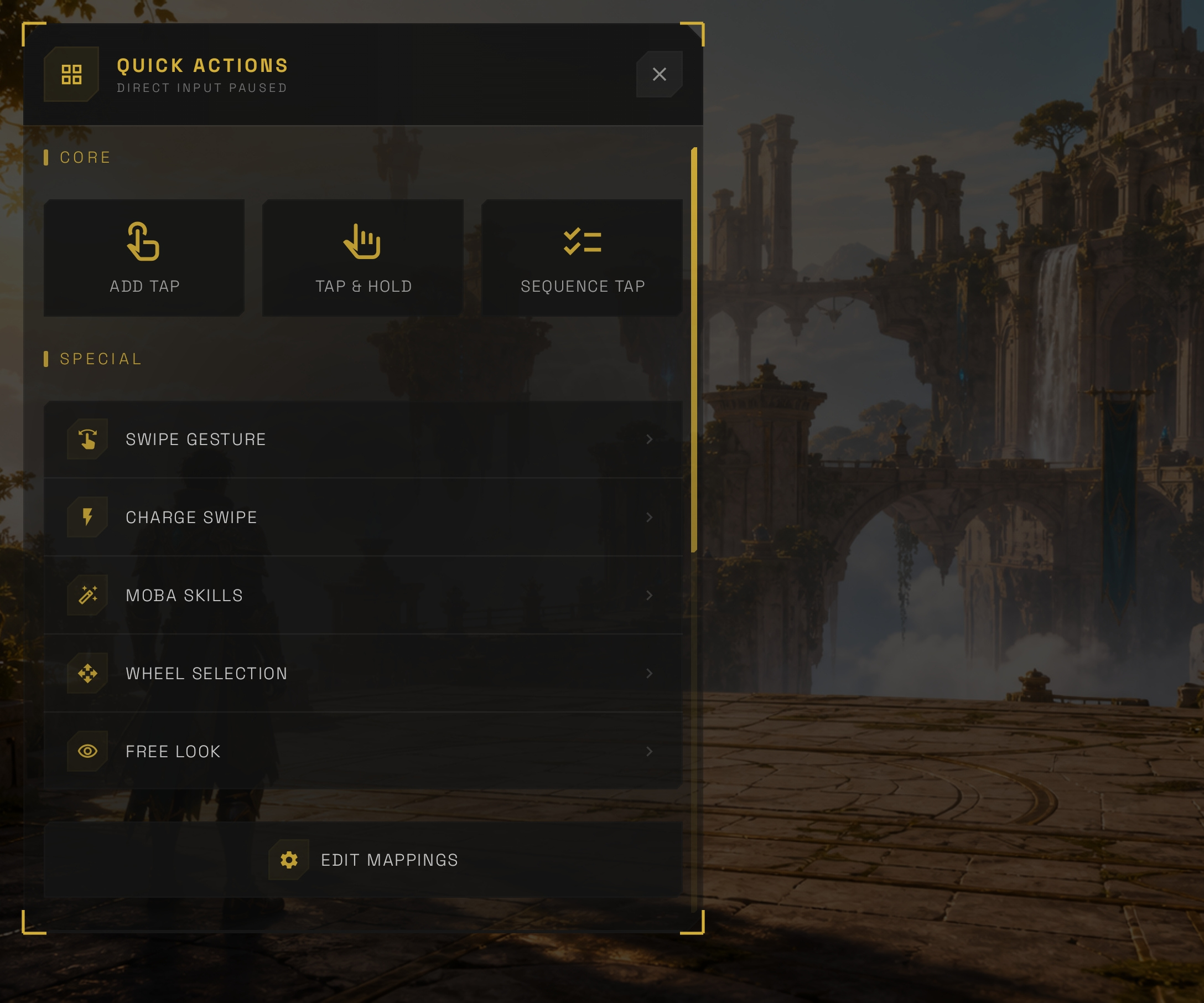
Assign directional swipes or charge-and-release motion to a physical input.
The product image is captured from Axis. The moving marker is a website guide, not part of the app interface.
Setup and access
Axis keeps mapping separate from the game. Connect a gamepad, keyboard, or mouse, activate the required Android service, place your controls, then launch the game you already use.
Connect a supported gamepad, keyboard, or mouse with Android.
Grant the Android-level access Axis needs to map controls.
Position your inputs over the game’s existing touch controls.
Start your mapping and enter the game with the chosen scene ready.
Activation paths
Use Android’s built-in Wireless Debugging flow directly from the device.
Use a supported external Shizuku, root, or manual computer ADB path.
One-time access
Google Play displays the current offer and local pricing inside the app.
Questions, answered
Straight answers about input compatibility, activation, game integrity and real-world performance.
Visit supportAxis is designed for gamepads, keyboards, and mice that Android recognizes. Gamepads can connect through Bluetooth or USB, while keyboard and mouse behavior depends on the device and connection. Confirm recognition on your device before mapping.
Yes. Map keyboard keys for movement and actions, then use mouse movement, buttons, or the wheel where the game’s touch layout supports them. The exact inputs available depend on Android, the connected hardware and the game.
No. Android 11 and later can use the built-in Wireless Debugging activation path. Android 8–10 can use supported external Shizuku or a manual computer ADB activation path. Root is an optional path, not a requirement.
No. Axis maps physical inputs to the touch controls already presented by the game. It does not patch or replace game files.
Response depends on the Android device, game, input device, connection and selected mapping. A direct USB controller connection can reduce wireless-link variability, but no fixed latency number applies to every setup.
Axis uses one-time access options: Core for the essential experience, optional packs for focused capabilities, and Ultimate for the complete available set. Current local pricing is shown through Google Play inside the app.
Start with the setup and support guides. If the issue remains, email [email protected] with your Android version, input device model and a short description of the problem.
Your controls. Your layout.