Overview of the platform
Axis Gamepad Pro combines built-in Axis Shizuku API activation, controller mapping, gyro-aware aiming, and advanced action workflows into one Android control stack. Use this page as the starting point before moving into setup, mapping, and troubleshooting.
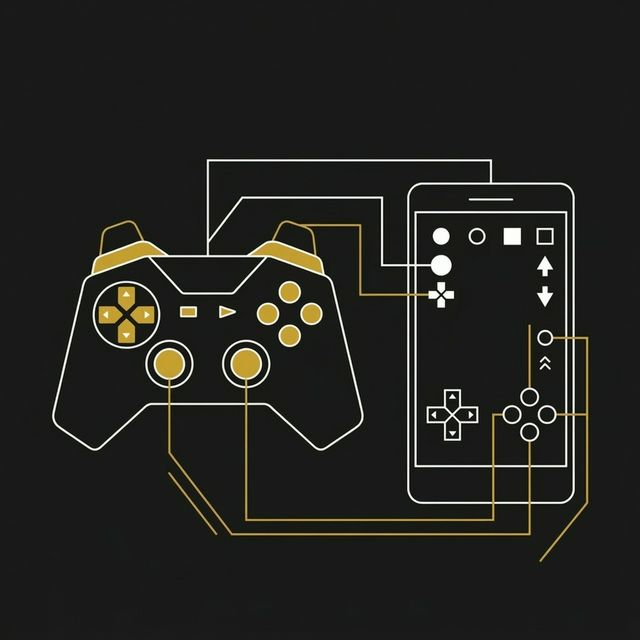
Read once, launch faster
The docs path is simple: activate permissions, connect your controller, map the layout, then fine tune with calibration and troubleshooting references.
Start here
Installation & Setup
Prepare Android, enable the required permissions, and start the Axis service with the recommended activation path.
Open guide arrow_forwardMapping Guide
Build layouts for buttons, camera, movement, gyro aim, and specialized actions for shooters or MOBA titles.
Open guide arrow_forwardTroubleshooting
Resolve permission issues, controller detection problems, overlay conflicts, and service start failures quickly.
Open guide arrow_forwardCore platform highlights
System touch delivery
Axis is designed around direct touch-style event delivery instead of basic floating overlay clicks.
Gyro-aware tuning
Dial in camera movement and fine aim with calibration settings that support precise adjustments.
Advanced action logic
Documented workflows cover rapid actions, directional casting, and other control patterns that standard mappers miss.
Reusable layouts
The docs are organized to help you go from a first profile to a repeatable setup across multiple games.
Read these in order
If this is your first time, move through the documentation in sequence so your permissions, controller pairing, and layout logic all line up.
Activate the stack
Use the setup guide to start Shizuku, validate permissions, and confirm Axis is ready before mapping.
Build the layout
Map sticks, buttons, and camera zones, then test them inside the target game with a simple baseline profile first.
Tune and recover
Use the troubleshooting guide when something feels off, then come back and refine the mapping or calibration values.
A practical docs path, not just feature lists
This overview is built to get users from “I installed it” to “my controller feels right in-game.” The next pages focus on sequence, device prep, layout logic, and recovery steps rather than throwing isolated settings at you.
First-time setup, controller pairing, camera tuning, and repeatable multi-game workflows.
Start simple, save a working baseline, then expand into advanced actions once the core profile is stable.